
Retail Desktop · Windows · SQL Server
The internet drops. The queue doesn't.
Retail Desktop bills on a local database on the store's own Windows PC: barcode, GST with HSN on every line, UPI and split tenders. Purchasing, stock, loyalty and accounts sit in the same application. Sales sync to the cloud the moment the line is back.
Bills offline on a local SQL Server database · GST with HSN on every line · Tills included in every cloud tier

Offline billing software that runs the back-office too.
The cashier at 11, the purchase clerk at 3, the accountant on the 5th: eight areas, one application, one database. Nothing is re-typed from a register.
Billing
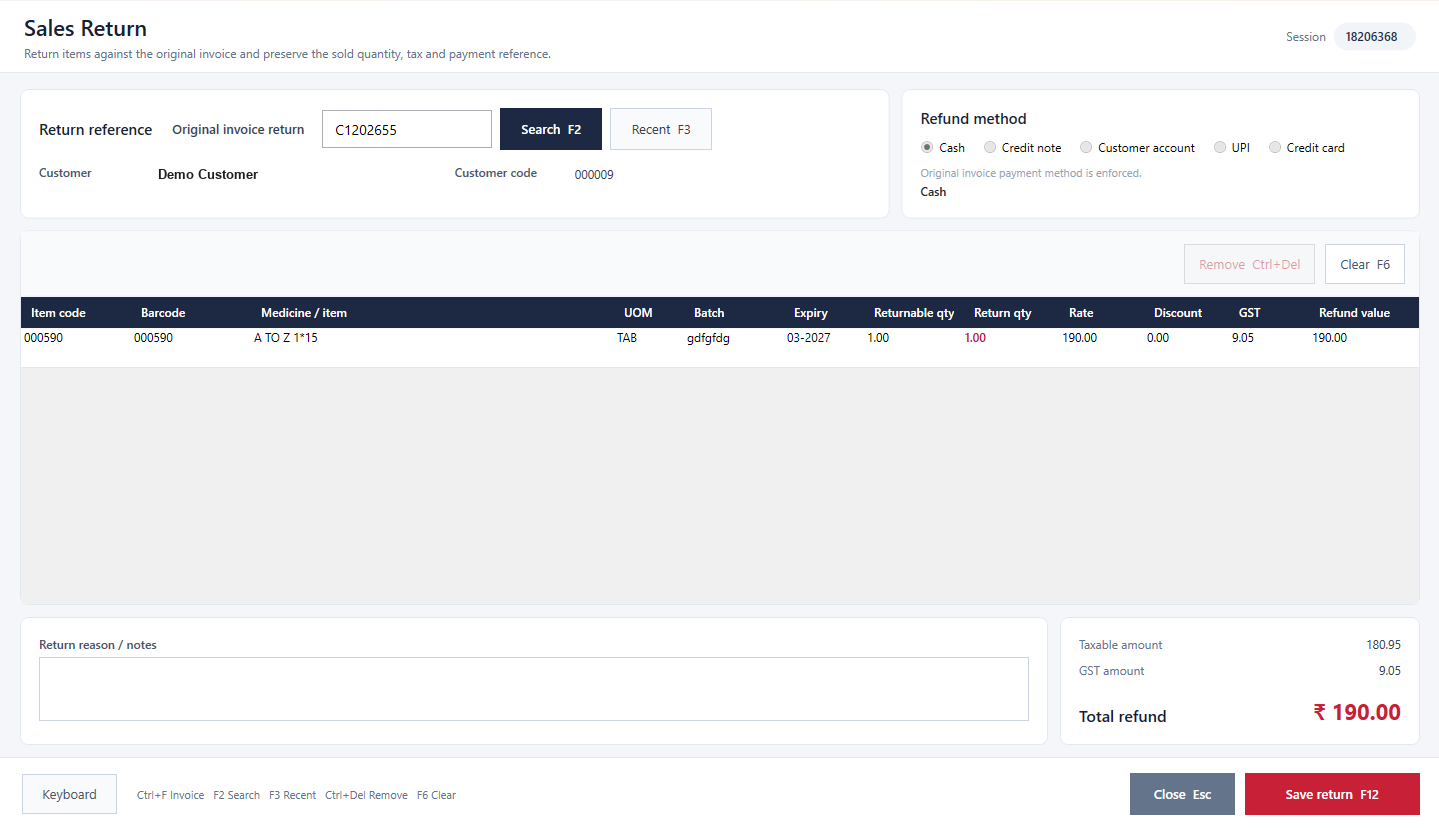
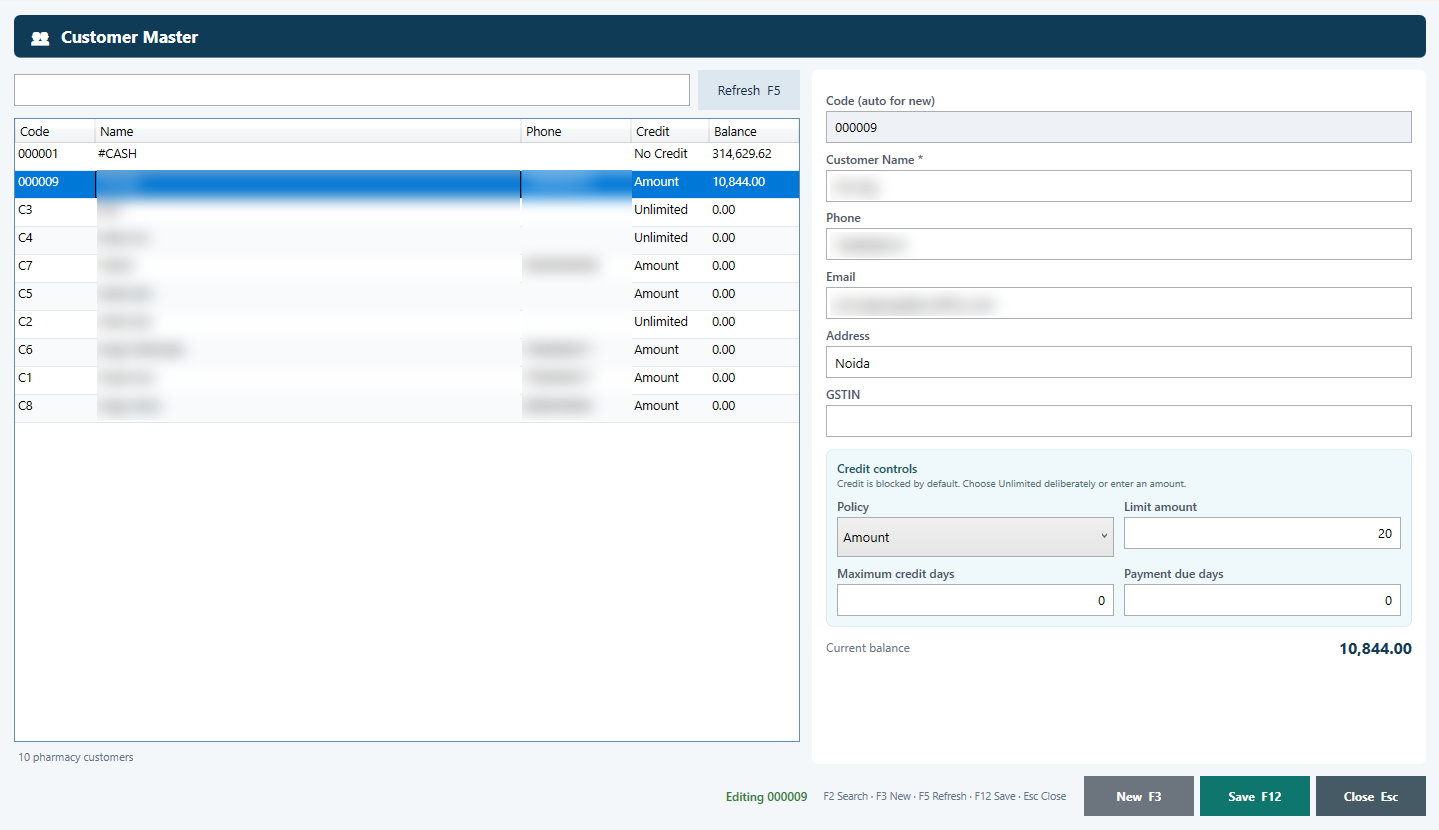
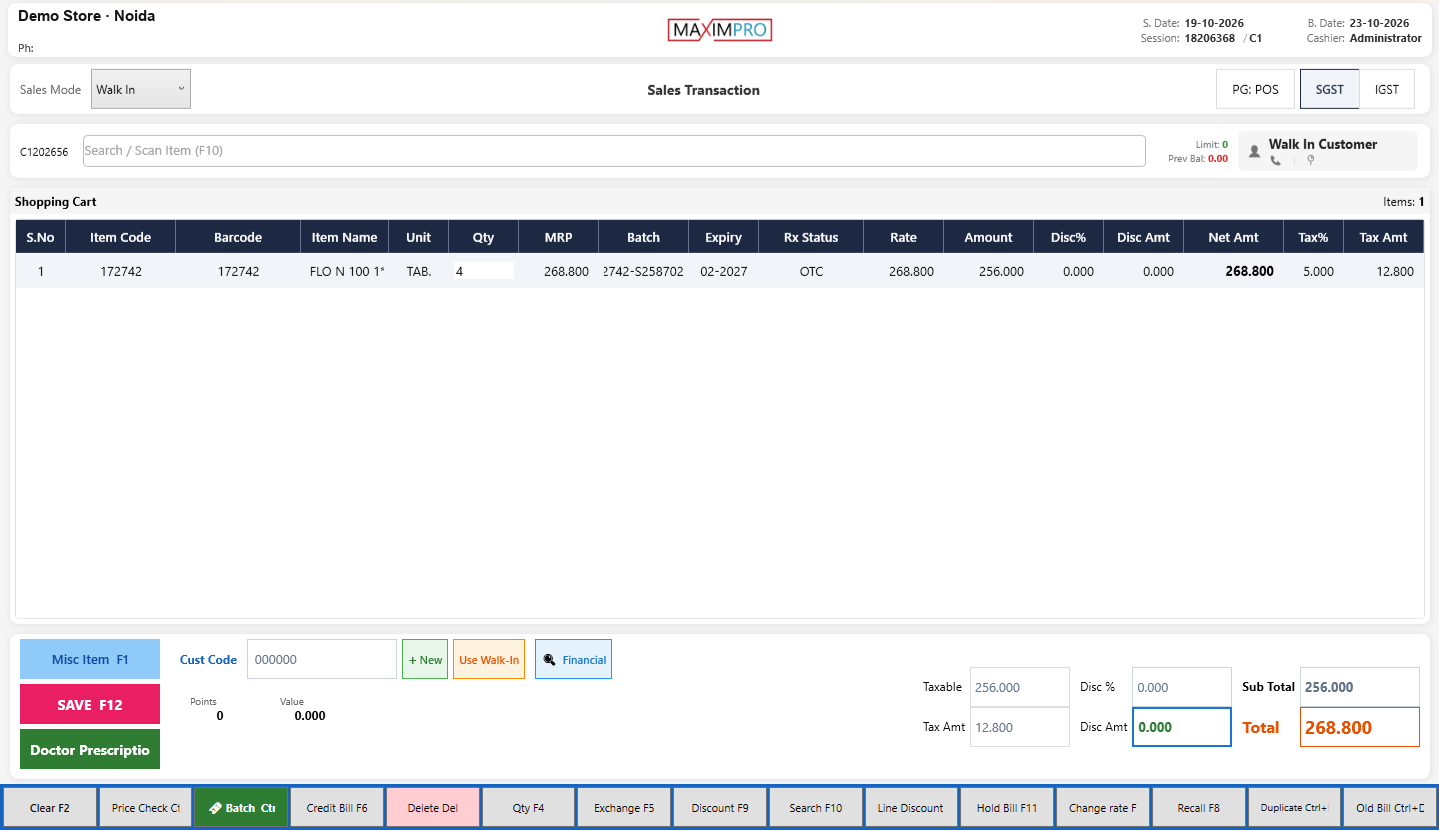
Barcode scanning, cash, UPI and card with split tenders, customer credit, hold and recall, returns and credit notes against the bill, cashier sessions.
Purchasing
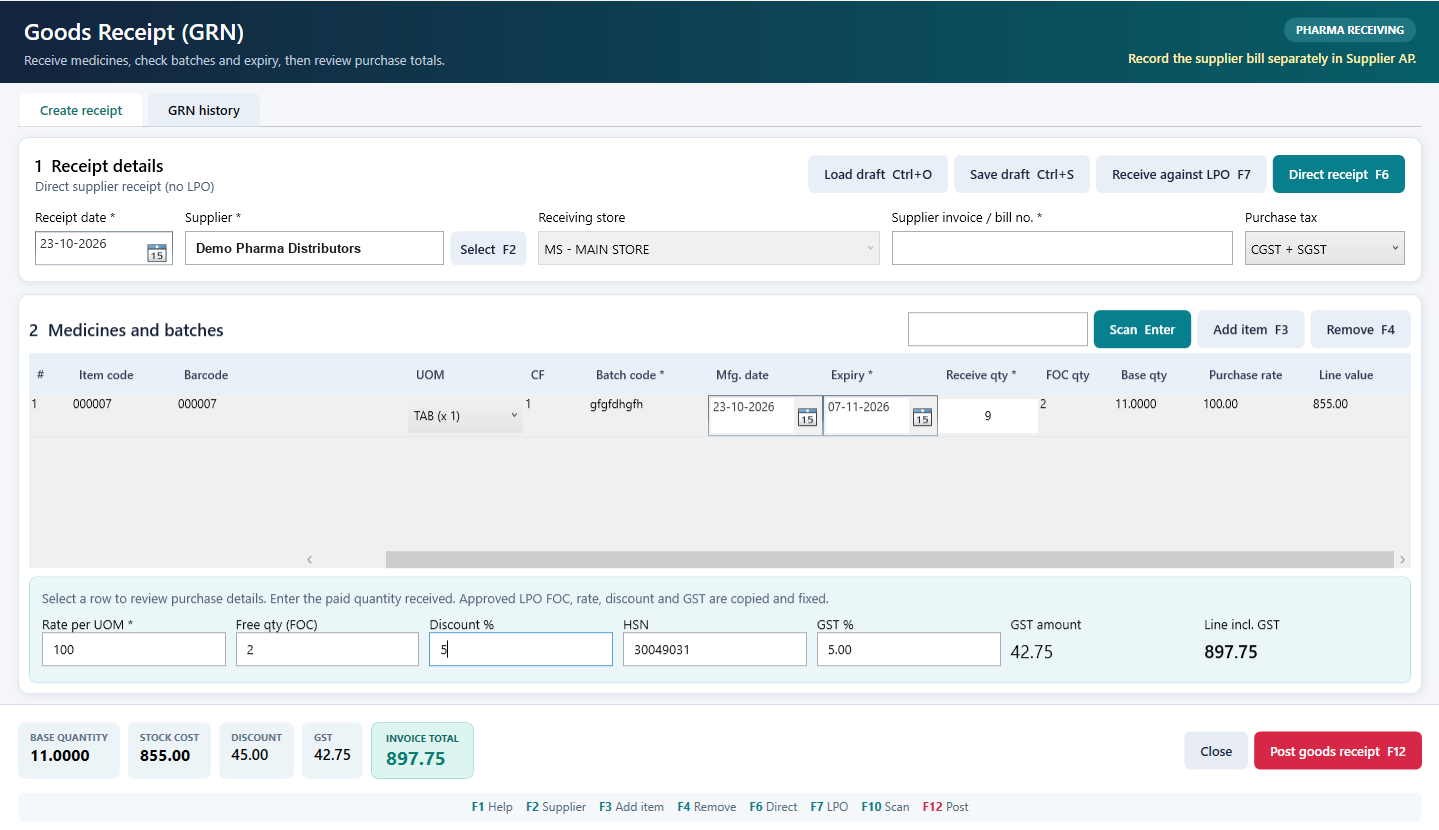
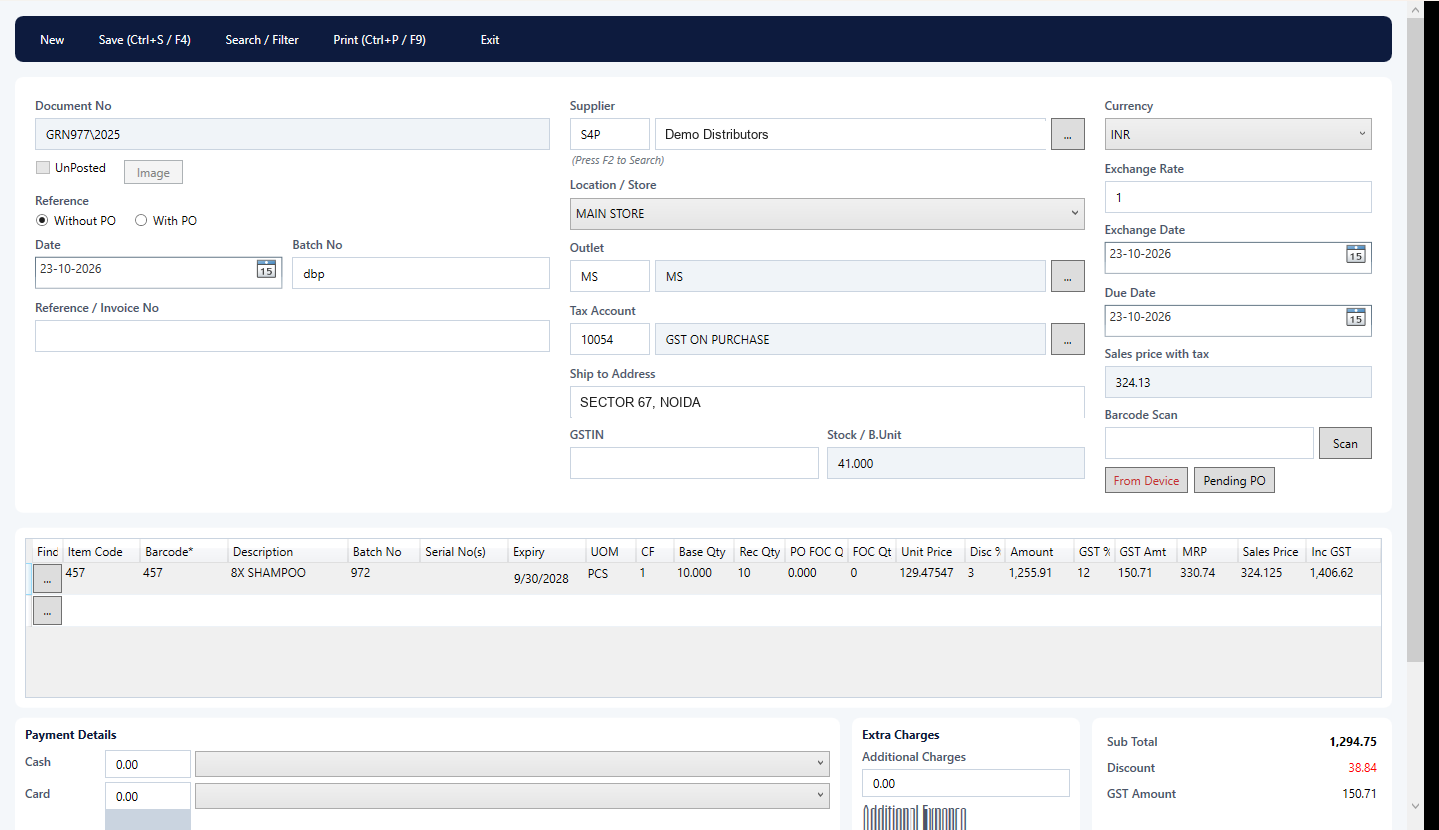
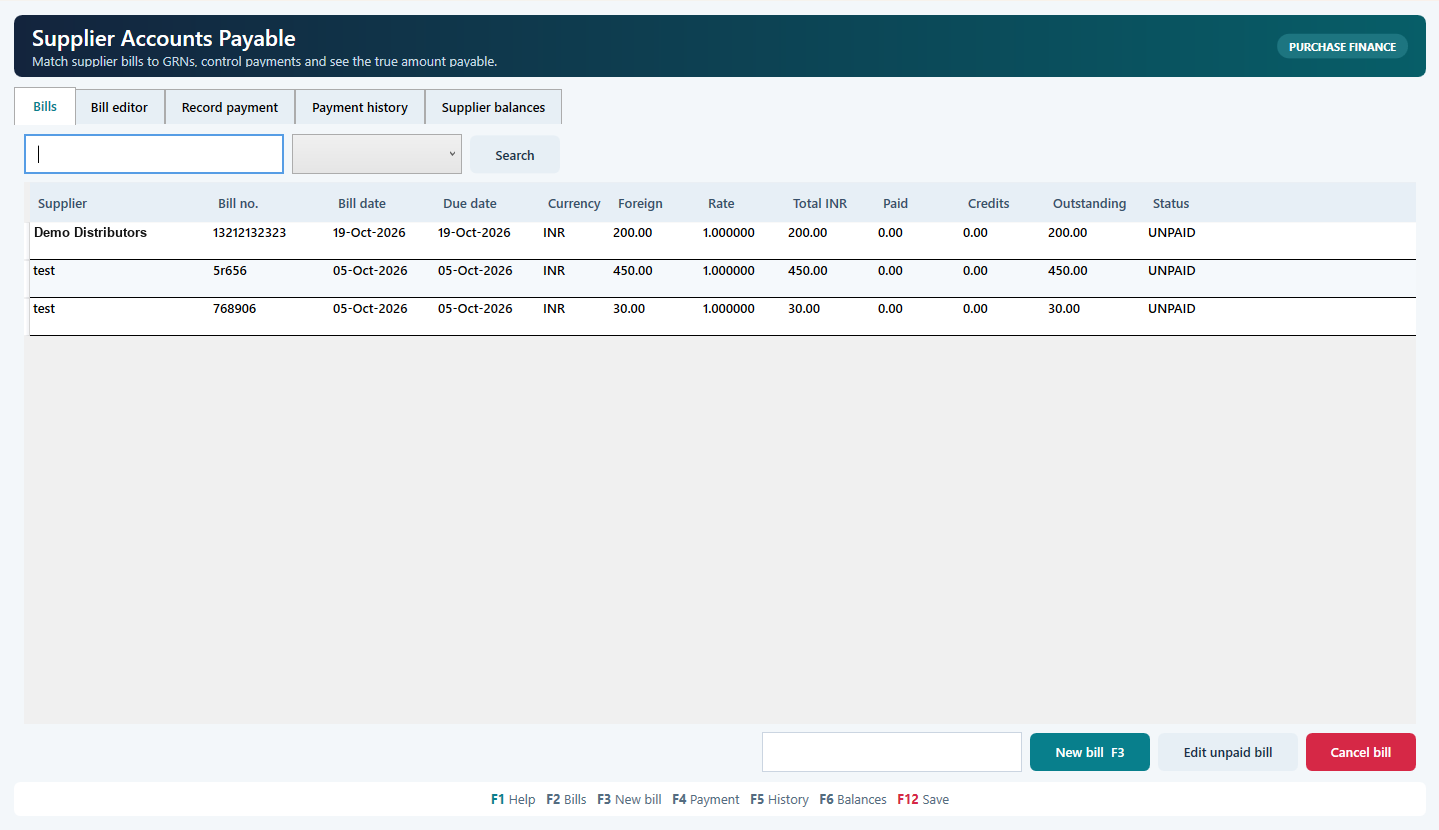
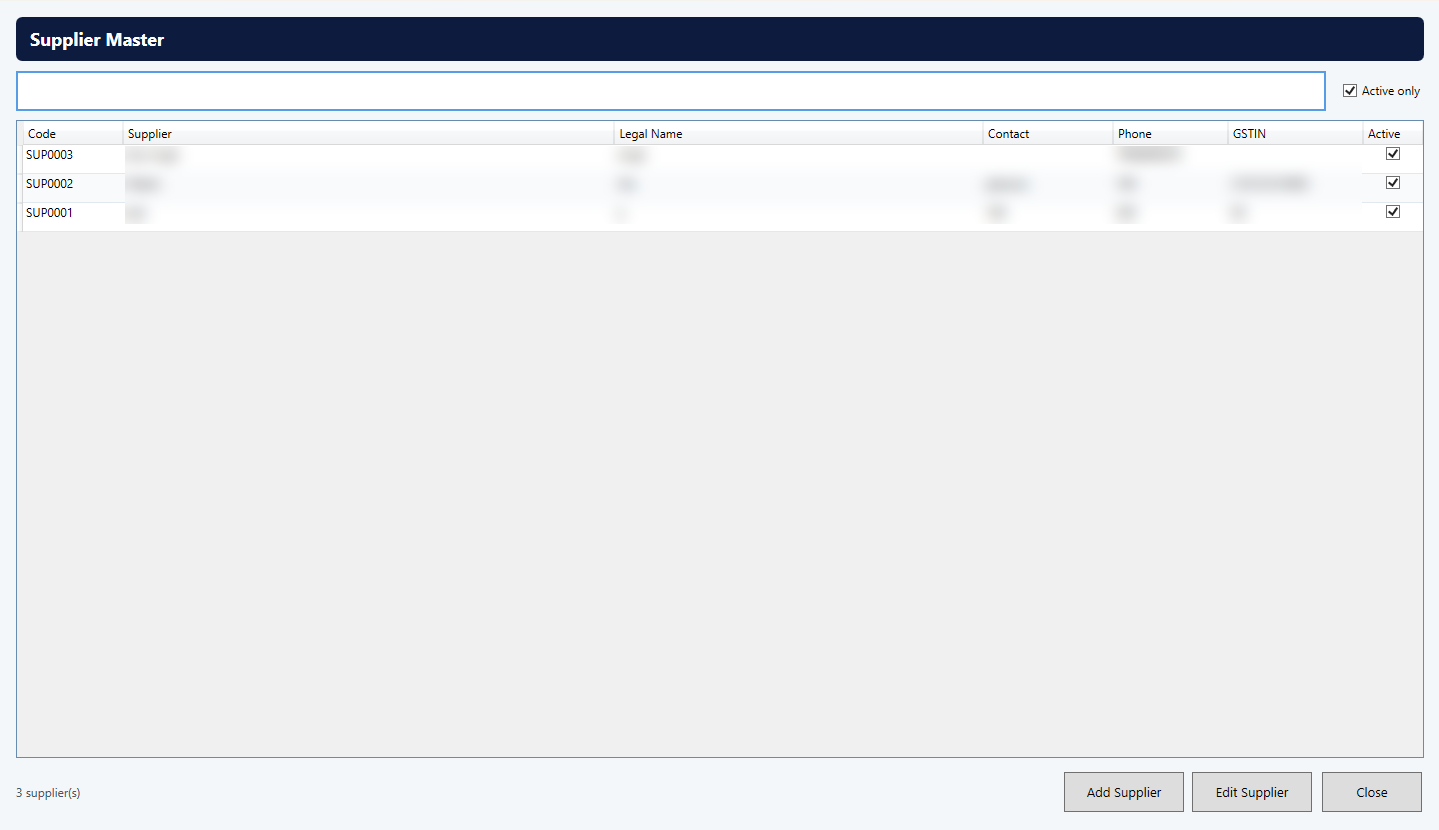
Purchase orders, GRN with or without a PO, free quantity, batch and expiry at receipt, supplier returns linked to receipt lines.
Stock
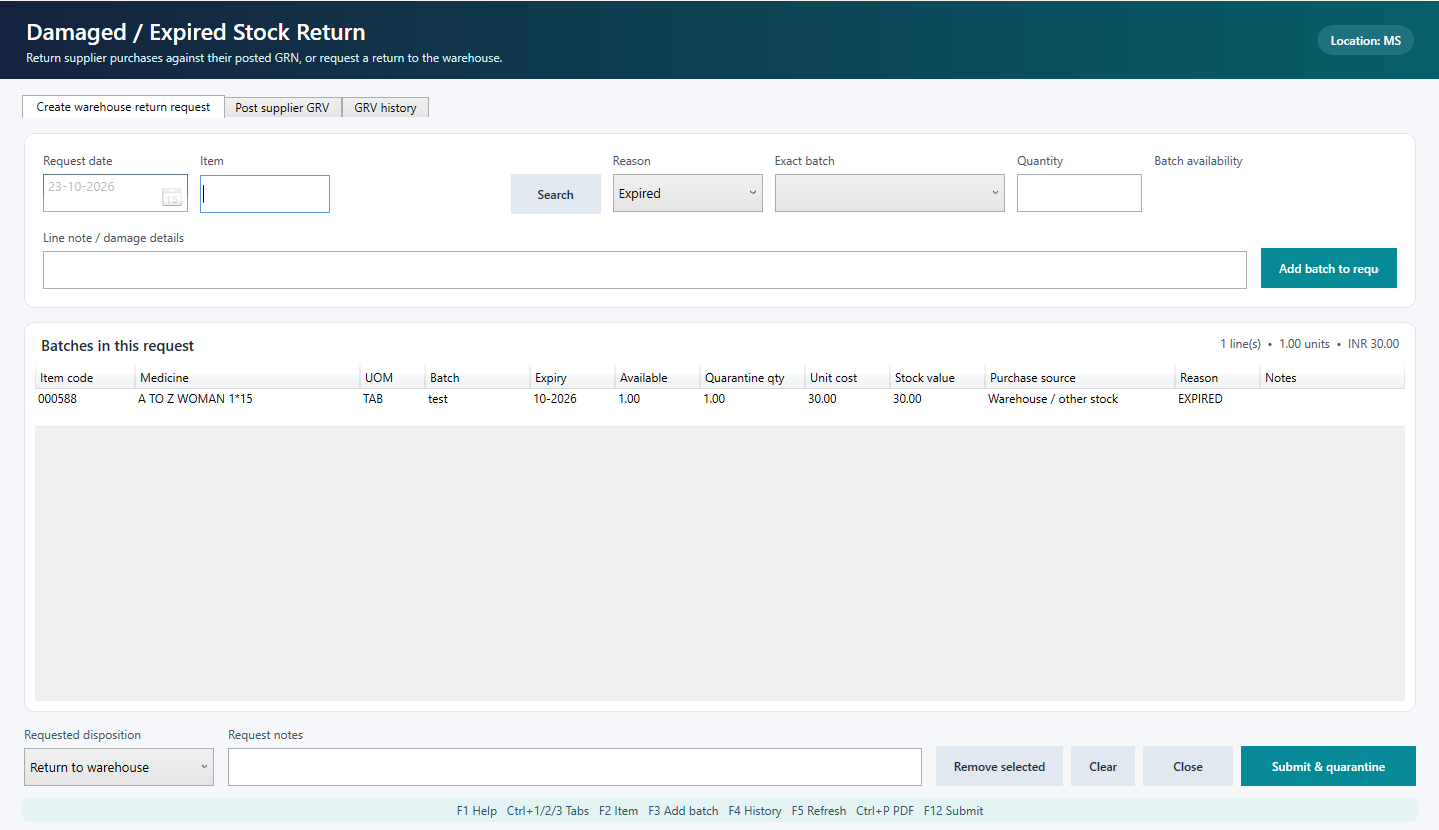
Stock by item, location and batch; UOM conversions; earliest-expiry selection at sale; counts, adjustments, damage and waste with loss value.
Loyalty
Find members by phone or card, loyalty points earned and redeemed at the bill, cashback and offers, customer statements and credit balances.
Accounts
Chart of accounts, vouchers, bank reconciliation, receivables and payables, ledgers, trial balance, P&L and balance sheet.
GST
GST rates and HSN/SAC on items, tax-inclusive MRP, tax on every sale and purchase, GST reports for your accountant.
Labels and printing
Barcode labels with name, price, MRP, weight and expiry; weighing-barcode formats; receipts and reports to printer or PDF.
Reports
Sales, cashier and daily summaries, stock value and movement, near-expiry, reorder, profitability, statements. Export to Excel or CSV.
Frequently asked
Is Retail Desktop a browser or mobile app?
No. It is a Windows application on a SQL Server company database. Store teams use MaximOps on Android phones or PDT handhelds for floor work; HQ uses the Cloud Portal in a browser.
Does it keep billing offline?
Yes. The counter writes to the local store database first and syncs to the cloud through the event layer where configured.
Does it file GST returns?
It calculates GST from the configured rates and item mappings and produces GST reports. It does not file statutory returns or generate e-invoices by itself.
Which modules are included?
Employee records, pharmacy, serial and warranty, PDT management and cloud transfer exchange are enabled per deployment. Label printing needs compatible hardware and drivers.